




MySchoolBucks
Welcome to LAUSD's Online Student Stores
 LAUSD has partnered with MySchoolBucks to support online student store purchases. Families and school community members can conveniently make payments for school merchandise and various school activities from anywhere, 24/7. The items available for purchase are maintained by individual schools and hosted by MySchoolBucks.*
Sign up for a free account with MySchoolBucks to access your school’s online student store. You will be able to access your account on MySchoolBucks.com or the MySchoolBucks app.
To get started:
- Create your account for free with MySchoolBucks
- Add your student(s) to your account using their school name / student ID
- Browse your student’s school’s online store and add items to your cart
- Securely check out using your credit/debit card or electronic check
*Note: Please contact your school to verify if your school’s online store is available.
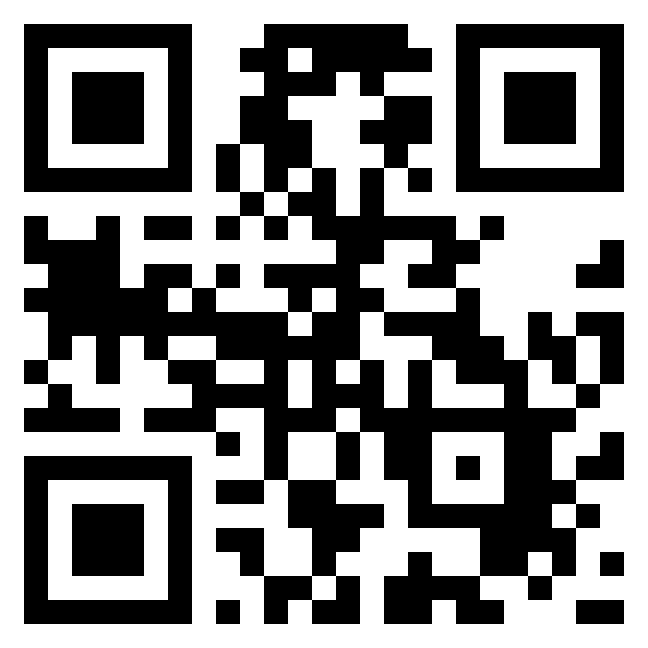
Scan this QR code to download the MySchoolBucks app
Need Help?
If you have questions about creating your account or accessing your school’s storefront, LAUSD’s partner MySchoolBucks's dedicated support team is available to assist. Call (855) 832-5226 for assistance, or view their Frequently Asked Questions page.